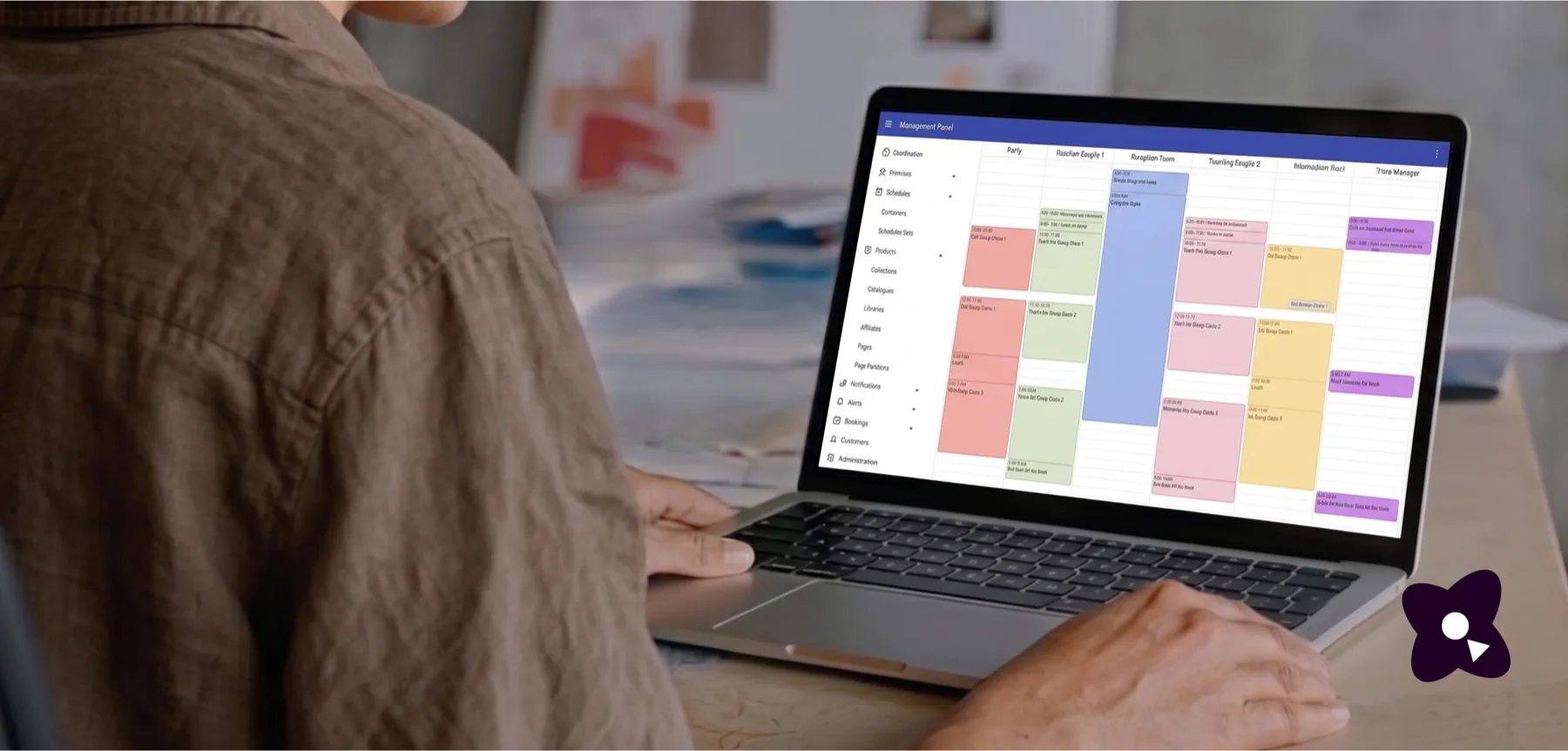
A community manager at a laptop showing the Cothena management panel, with a colour-coded schedule of sessions laid out side by side across six tracks.

Event Management Platform

Planning.
Schedules.
Registration.

Create beautiful events worth gathering for.

From intimate workshops to multi-day festivals or conferences, manage it all in one place.

Highlights

Planning

Track progress, spot bottlenecks, and keep every part of your event on schedule.

Planning

Planning

Choose dates with the full picture in view. Compare your schedules against public, school and cultural holidays, industry calendars, and historical weather so conflicts and risks are visible before you commit.

  • Planner
  • Gantt chart
  • Tasks
  • Dependency graphs
The planner's filter panel — city, holiday types, religious traditions, calendar feeds and custom events — over a month view showing public and religious holidays, daily weather and booked event bars.
A Gantt chart of venue build and rigging activities on a timeline, each bar carrying its task count and state, beside the task board behind one of them — planned, backlog, in progress, completed and blocked.

Planner

Bring schedules, venues, holidays, and custom events into one view so conflicts and gaps are easy to spot.

Gantt chart

See how every activity and task is progressing across the event, from early planning through on-site coordination.

Tasks

Track preparation by activity in one shared progress view, so you can see what is done, what is blocked, and what needs attention.

Dependency graphs

Visualise dependencies between activities so you can see what a delay will affect before changing the plan.

Registrations

Grow attendance with flexible storefronts, affiliate tracking, smart waitlists, and automatic ratio controls.

Registrations

Registrations

Sell the same event through multiple storefronts, each with its own audience, currency, and rules — all connected to one live capacity.

  • Infinite storefronts
  • Affiliates
  • Ratio control and smart waitlists
  • Invoicing
  • Pay now, fill the form later
  • End-to-end branded booking
A products menu of collections, catalogues, libraries, affiliates and pages, a ticket list for participants, staff, talent and affiliate partners in two locales, a branded storefront offering two ticket types and a group ticket, and a ratio table showing one type triggered and short by four.

Infinite storefronts

Create as many booking pages as you need for different audiences, regions or partners. Tailor the messaging, pricing, language and currency for each, while every storefront stays connected to the same event and live capacity.

Affiliates

Give partners their own booking pages and track sales by affiliate, while keeping inventory and scheduling under your control.

Ratio control and smart waitlists

Keep the right balance between groups with rules you define — leaders and followers, students and alumni, guides and participants. When a ratio is reached, new bookings can move to a waitlist automatically.

Invoicing

Generate itemised invoices in the customer's currency and automatically match them to payments in your own account.

Pay now, fill the form later

Reduce booking drop-off by taking payment first and collecting attendee details afterwards. Customers can complete the form later themselves or pass it to someone else.

End-to-end branded booking

Keep the full booking journey on brand, from storefront and checkout to confirmation emails and receipts. Embed booking experiences on your own site, use your own mail domain, and route payments to different accounts where needed.

Schedules

Keep staff, volunteers, and guests aligned with schedules and runsheets in one place.

Schedules

Schedules

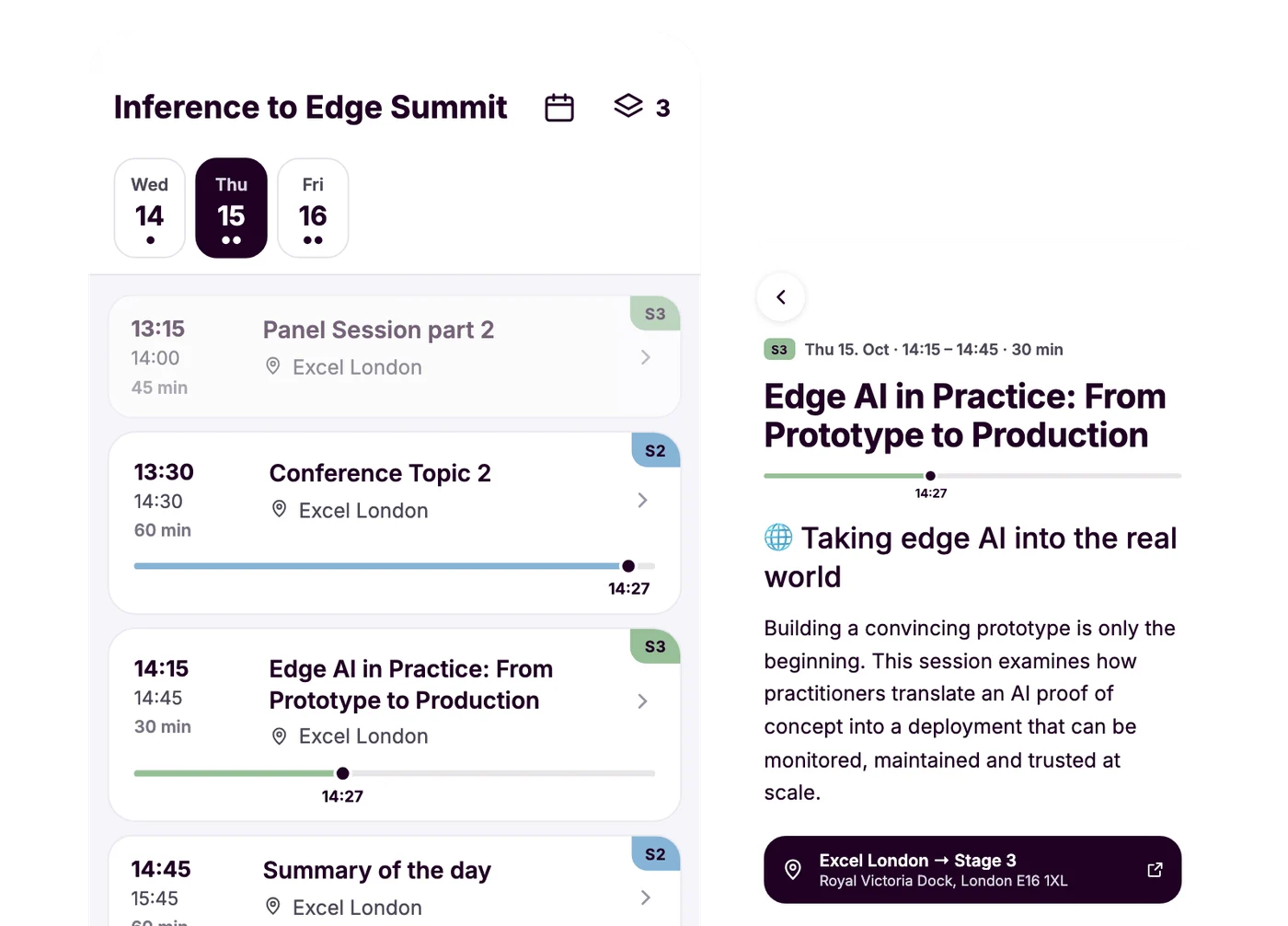
Keep every schedule in sync from one central plan. Make a change once and it updates across runsheets, apps, and agendas within seconds.

  • Staff and volunteers
  • Attendee agendas
  • Runsheets
  • Time-zone aware
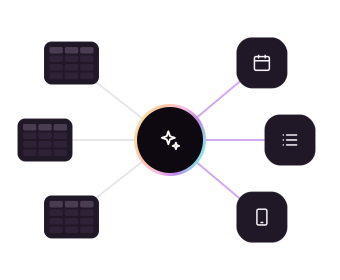
One master schedule driving staff schedules, tasks, notifications and runsheets, with a guest programme shown on a phone.

Staff and volunteers

Give every staff member and volunteer a clear personal schedule.

Attendee agendas

Create tailored attendee agendas with text, images, video, and shared activities — all connected to the same schedule.

Runsheets

Create role-specific runsheets for stage managers, caterers, crew, and other teams — all kept in sync automatically.

Time-zone aware

Assign time zones to venues, schedules, and sessions so everyone sees the right time wherever they are.

Communication

Coordinate staff and guests with localised emails, push notifications, and powerful messaging tools.

Communication

Communication

Keep everyone informed with messages that reach the right people, in the right language, at the right time.

  • Emails
  • Notifications
  • Messaging
A localised waitlist-offer email composed from booking fields, a scheduled event start reminder, an alert being added for the guest app, and a message sent to an operations conversation.

Emails

Draft, review, translate, and send emails from your own domain, with a complete record of what was delivered.

Notifications

Send timely notifications before, during, or after an activity, localised for each recipient and delivered across phone, tablet, and browser.

Messaging

Keep conversations attached to the activity they relate to, so decisions and context stay with the work instead of getting lost in group chats.

Venues

Plan spaces with confidence using integrated venues, maps, points of interest, and time-zone-aware scheduling.

Venues

Venues

Turn every venue into a structured part of your event plan, with spaces, capacity, and locations you can manage in one place.

  • Spaces
  • Points of interest
  • Maps
A day timeline for ExCeL London with a row per space — halls, suites, boardroom, auditorium and training labs — carrying setup, registration, catering and session bars, over a map of the surrounding docks marked with points of interest.

Spaces

Define capacity by headcount, area, or layout, and break venues into smaller spaces for booths, reception areas, and more.

Points of interest

Add the places attendees need to find — from entrances and registration desks to catering, stages, and meeting points.

Maps

Map venues, rooms, and points of interest with custom shapes and real spatial context, not just pins on a map.

Distribution
and reach

See all features

Mobile apps for staff and guests

Give staff and guests their own mobile experience, with native iOS and Android apps or a simple web link when no download is needed.

Mobile apps for staff and guests

Mobile apps for staff and guests

Give every person the information they need, wherever they are. Staff can access schedules, tasks and alerts, while guests get a personalised event experience with their agenda, practical information and updates in one place.

  • Native, on both stores
  • No account, no password
  • Works offline
  • Personalised down to the individual
  • Event booklets
  • Localised push notifications

Native, on both stores

Give staff and guests native iOS and Android apps, connected directly to the same platform you use to manage the event.

No account, no password

Let guests open their personal event experience from a QR code or secure link, without creating an account or remembering a password.

Works offline

Keep schedules, booking information and event content available even with poor or no connectivity, so guests can still access what they need on site.

Personalised down to the individual

Control exactly what each person receives — from schedules and activities to pages and practical information. Personalise by audience, group or individual.

Event booklets

Bring schedules together with additional information such as hotel details, travel information, maps, speaker profiles and local guidance in one personalised event booklet.

Localised push notifications

Send timely push notifications to staff and guests in the right language, targeted to the exact schedules, bookings or audiences they relate to.

Full language and currency support

Present your event in the language your audience uses and accept payments in the currencies they expect.

Full language and currency support

Full language and currency support

Run one event across languages, currencies and markets. Cothena localises the guest experience end to end — from booking pages and schedules to emails, notifications and mobile content — while letting you sell the same event in different currencies.

  • Guest-facing, fully localised
  • Localised emails and notifications
  • Staff interfaces in multiple languages
  • Multi-currency booking pages
  • Bring your own payment gateway
  • Proven in multilingual events

Guest-facing, fully localised

Localise the full guest experience across web and mobile, including booking pages, schedules, event content, emails, notifications and alerts.

Localised emails and notifications

Send each recipient the right language version of emails, push notifications and alerts based on their preferences.

Staff interfaces in multiple languages

Staff interfaces are available in several localisations, with additional languages available on request where needed.

Multi-currency booking pages

Sell the same event through tailored booking pages in different currencies, with pricing and checkout configured for each audience or market.

Bring your own payment gateway

Connect your own payment accounts using Cothena's existing integrations, including providers such as Stripe, Adyen, Mollie, Revolut, Square and SumUp. If you need another provider, talk to us about adding it.

Proven in multilingual events

Cothena has been used to support international programmes with hundreds of guests and content delivered across nine languages.

See the Itinerary Management case study

Open API documentation

Connect Cothena to your own website and tools with documented APIs for storefronts, agendas, and other event data.

The Cothena API reference: a product-bundle endpoint with its 200 and 400 response samples and JSON body, beside the searchable list of commerce endpoints.

Efficiency
and control

Smart cloning

Reuse what already works. Clone schedules, tasks, content, and registration setup to launch repeat events faster.

Smart cloning

Smart cloning

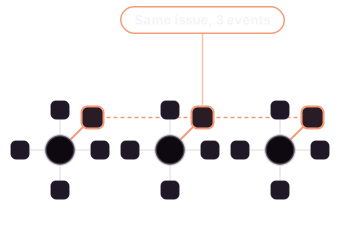
Start the next event from what already works. Clone a whole event, a schedule set, or a single activity, and carry over its structure, content, tasks, and roles with dates and times adapted to the new run.

  • Clone a whole event
  • Or a schedule set, or one activity
  • Move city, not just dates
  • Recurrence rules
  • Packages come too

Clone a whole event

Clone the full event setup in one action, including schedules, tasks, content, notes, and workflows. Dates and times adapt to the new run while tasks reset so the team can start fresh.

Or a schedule set, or one activity

Reuse only what you need. Clone a schedule set or a single activity, keeping its content, tasks, and notes while choosing whether it stays linked or becomes independent.

Move city, not just dates

Clone an event into a new city and remap its venues and spaces without rebuilding the rest of the plan.

Recurrence rules

Create recurring classes, workshops, shifts, or sessions once, then adjust individual occurrences without breaking the series.

Packages come too

Reuse packages across runs, events, venues, and schedules, choosing exactly what carries over, including pricing, images, and session times.

Staff roles

Give staff, volunteers, and suppliers access to exactly what they need, with roles and permissions you control.

Staff roles

Staff roles

Give each person access to exactly what they need. Roles and sub-roles control what staff, volunteers, suppliers, and partners can see, change, and export.

  • Roles
  • Sub-roles
  • Export without exposure
  • Views that follow the role

Roles

Define what each role can see, edit, and export, so people can do their work without navigating information that does not concern them.

Sub-roles

Create more specific access for positions, volunteer assignments, suppliers, and specialists, then reuse those permissions whenever you assign someone to the role.

Export without exposure

Share the operational data a supplier or partner needs without exposing personal information they should not see.

Views that follow the role

Generate role-specific runsheets, venue agendas, and personal schedules from the same central data, so everyone sees a view relevant to their work.

Dashboards

See setup, registration, and operational progress in one place, so you always know what is ready and what needs attention.

Dashboards

Dashboards

See whether an event is ready, how registration is performing, and what still needs attention — all from one live view.

  • Event readiness
  • Earnings at a glance
  • Progress without chasing
  • Open to whoever should see it

Event readiness

See what is ready, what is still blocking launch, how many people have booked, and where every registration stands.

Earnings at a glance

Track gross and trending revenue alongside event readiness, with performance broken down by package.

Progress without chasing

Follow tasks from pending to complete or blocked across the event, so you can see where work stands without asking for updates.

Open to whoever should see it

Give everyone with the right access the same live view, so progress reporting does not depend on one person.

See how Cothena could
work for your
next event

Talk through your event with one of the founders and see how Cothena could simplify the way your team plans and runs it.

Book a meeting
A crowd filling a tree-lined street at an outdoor event, shot out of focus so no one person is identifiable.

Explore how Cothena handles data

See how it works